
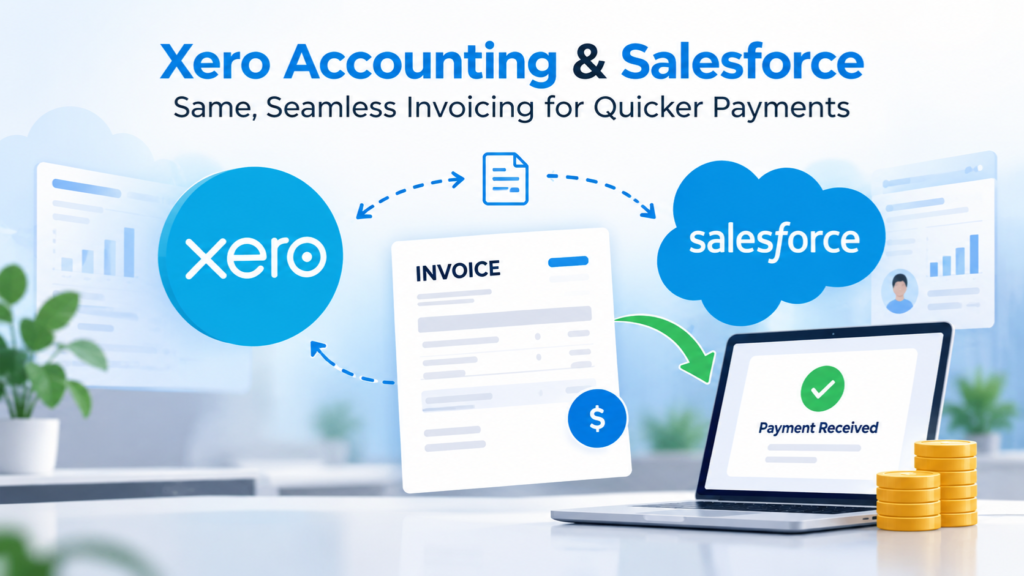
When sales and accounting teams work in separate systems, invoicing can quickly become a back-and-forth process. Sales information sits in Salesforce, while invoice creation and payment tracking happen in Xero. Moving data manually between the two can take time, create duplicate entries, and leave room for errors.
A Xero Salesforce integration brings these systems together, helping businesses move from a completed sale to an accurate invoice with fewer manual steps.
Connect Sales and Accounting Without the Extra Work
Salesforce gives your team a clear view of customers, opportunities, deals, and sales activity. Xero, on the other hand, handles accounting, invoicing, payments, and financial records.
When you connect the two, information can flow between your CRM and accounting platform instead of requiring your team to enter the same details twice.
With Salesforce to Xero invoicing, customer and transaction details captured by your sales team can be transferred to Xero for invoice creation. This helps reduce repetitive data entry while keeping your financial records aligned with your sales activity.
Keep Customer Data in Sync
Accurate customer information matters throughout the sales and payment cycle. If contact details, products, prices, or transaction information change, outdated information can lead to incorrect invoices or unnecessary follow-ups.
The ability to sync Xero with Salesforce CRM helps keep important information consistent across both platforms. Your sales and finance teams can work with the information they need without constantly checking or updating two separate systems.
Make Invoicing Faster With Automation
Manual invoicing can become particularly time-consuming as your business grows. More customers and transactions mean more information to enter, verify, and reconcile.
With automated Xero invoicing in Salesforce, businesses can streamline the process from a closed deal to invoice generation. Instead of treating invoicing as a separate administrative task, teams can make it part of their existing sales workflow.
That can mean fewer manual steps, quicker invoice creation, and less time spent correcting avoidable data-entry mistakes.
Get Paid Without Unnecessary Delays
Sending an invoice is only one part of the process. Your team also needs visibility into whether invoices have been paid, are outstanding, or require follow-up.
A Xero Salesforce payment connector can help bring payment-related information closer to the customer and sales records your team already uses. This gives sales and finance teams better visibility into the customer journey, from the initial opportunity through invoicing and payment.
The result is a more connected workflow where sales, invoicing, and payment information work together instead of sitting in separate silos.
Bring Xero and Salesforce Together
A connected sales and accounting workflow can make everyday processes easier to manage while giving teams more time to focus on customers and business growth.
If you’re looking to connect Salesforce and Xero, SFX Connect can help simplify the integration and create a smoother flow of information between your CRM and accounting system.