
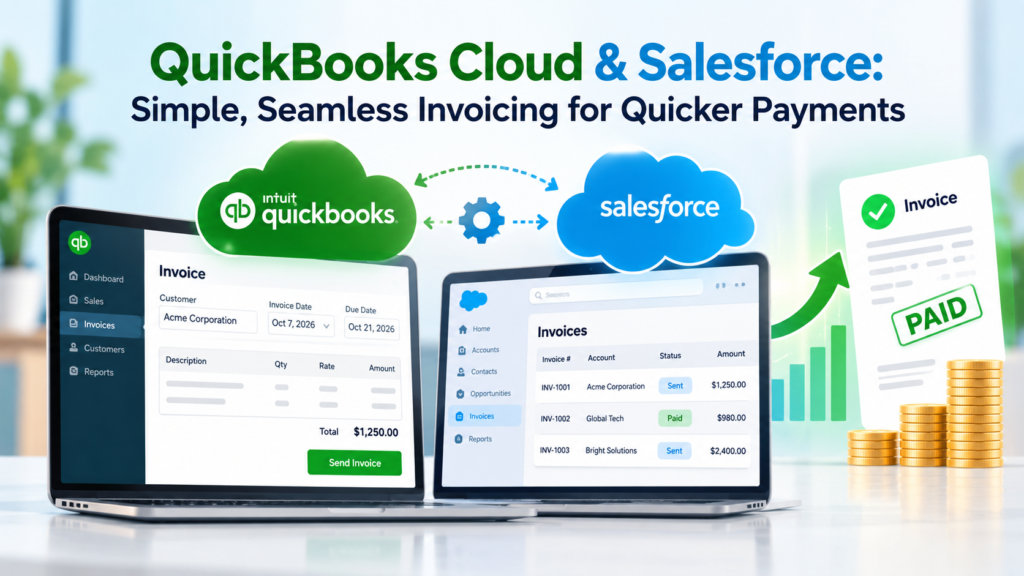
Getting a customer to say yes is a big part of growing a business. But the work does not stop there. Once a deal is closed, someone still needs to create the invoice, send it out, keep track of the payment, and follow up if it is overdue.
When sales and accounting teams are working with separate systems, this can quickly become a hassle. Customer details may have to be entered more than once, invoices can take longer to prepare, and teams may spend time checking with each other for updates.
This is where QuickBooks Salesforce integration can make things much simpler.
Salesforce can continue to handle customer relationships, leads, and sales activities, while QuickBooks takes care of invoicing and accounting. Connecting the two means information can move between the systems without requiring teams to manually copy everything over.
Turn a Closed Deal Into an Invoice
Imagine a salesperson closes a deal in Salesforce. Instead of sending the details to the accounts team and waiting for someone to enter them into QuickBooks, the right integration can help move that information directly into the accounting system.
That can make automated invoicing Salesforce-QuickBooks workflows much easier to manage. Customer details, products, quantities, and other relevant information can be transferred according to the workflow a business has set up.
It is a small change in the process, but it can save a surprising amount of time when the same task has to be repeated every day.
Keep Sales and Accounts Connected
A good Salesforce QuickBooks Online sync also helps sales and finance teams stay on the same page.
Sales teams can have better visibility into invoice and payment updates, while finance teams do not have to rely on sales representatives for customer or deal information. Everyone is working with the same data, which can reduce confusion and unnecessary follow-ups.
Make Payments Easier to Track
An invoice is only useful if it eventually gets paid. With the right setup, Salesforce QuickBooks payment processing can help businesses keep track of payments alongside customer and sales information.
This makes it easier to see which invoices have been paid and which ones still need attention. Teams can then follow up with customers without having to search through different systems.
A Simpler Way to Manage the Entire Process
A QuickBooks integration for Salesforce CRM is not just about connecting two pieces of software. It is about making an everyday business process easier.
From closing a deal and creating an invoice to tracking payments, connecting Salesforce with QuickBooks can reduce manual work and give teams a clearer view of what is happening after a sale.
For growing businesses, that means less time spent moving information between systems and more time focused on customers, sales, and getting paid on time.
Ready to make invoicing more seamless? Explore SFX Connect at https://sfxconnect.com/ and see how Salesforce and Xero can work better together.